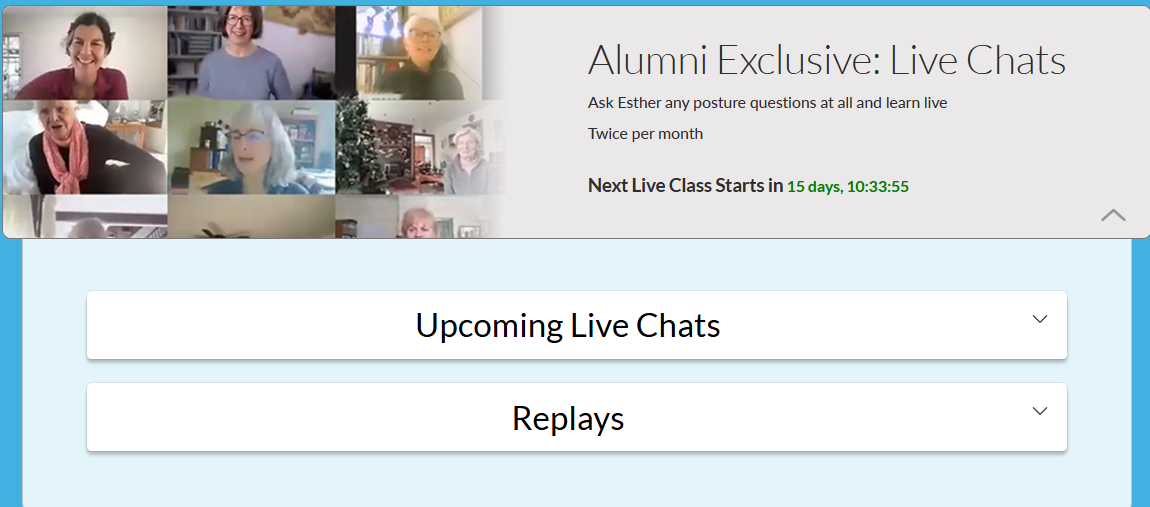
All Live Chats are recorded and uploaded to the Alumni Access Archives. Please allow 2–3 days for our Admin Team to process and upload the recording.
The Alumni Access Archives display the three most recent Live Chat recordings.
To access the recordings:
1. Log in to gokhalemethod.com
Please note: Access to Live Chats is available only to Gokhale Active – Premium or Gokhale Active – Premium Plus members. Recordings are not accessible to Gokhale Active Basic members.
2. Go to your User Dashboard by clicking the Profile icon in the upper right-hand corner of the page.

3. Click Gokhale Active.

4. Scroll down to Alumni Exclusive: Live Chats.
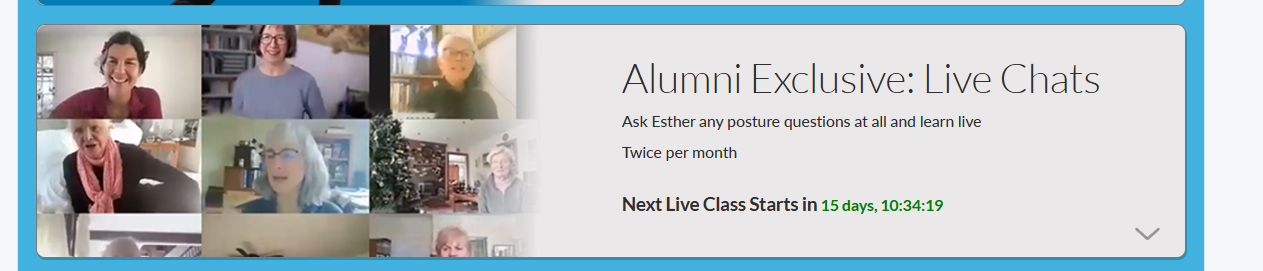
5. Click this section to view Upcoming Live Chats (showing the schedule of the next session). Select Replays to access the three most recent recordings.